New Feature: Canva Integration
Bring your Canva designs straight into SuperPath
Keeping your learning assets on-brand used to mean a fiddly round trip: design something in Canva, export it, download it, then upload it into SuperPath. Every cover, thumbnail and banner was a manual handoff between two tools.
Not any more. You can now connect Canva to SuperPath and pull your designs in directly, or create a brand new design in Canva and send it back to SuperPath in a couple of clicks. Your assets stay consistent, and the busywork disappears.
Connect once, then design in place
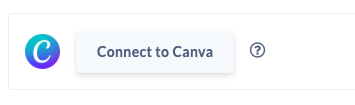
Head to your profile settings and connect your Canva account. From then on, anywhere SuperPath needs an image you'll have Canva right there, ready to go. No more switching tabs, exporting files or hunting through your downloads folder.
Drop in a design you've already made
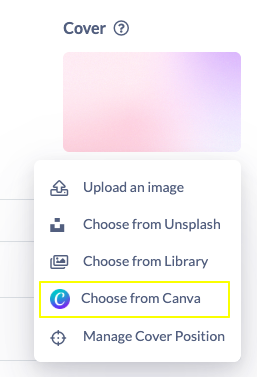
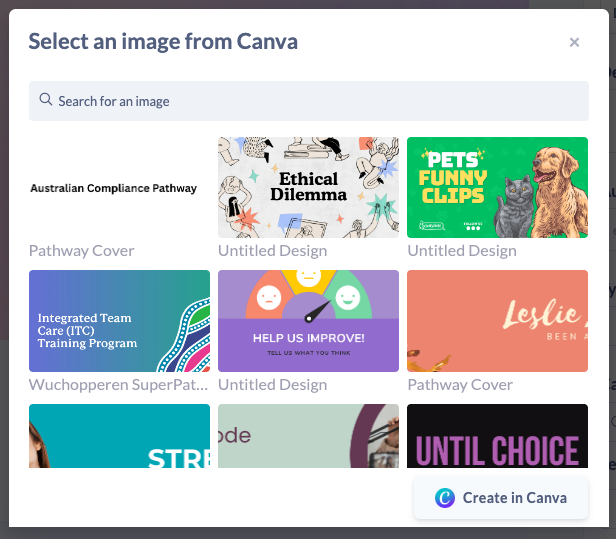
Setting a course cover or thumbnail? Choose from Canva and SuperPath loads up the designs already sitting in your Canva account. Pick one and it drops straight into place, sized correctly for wherever it's going.
A common one: you've built a set of branded course covers in Canva, so now you can apply them across your library without a single export.
Create a new design without leaving the flow
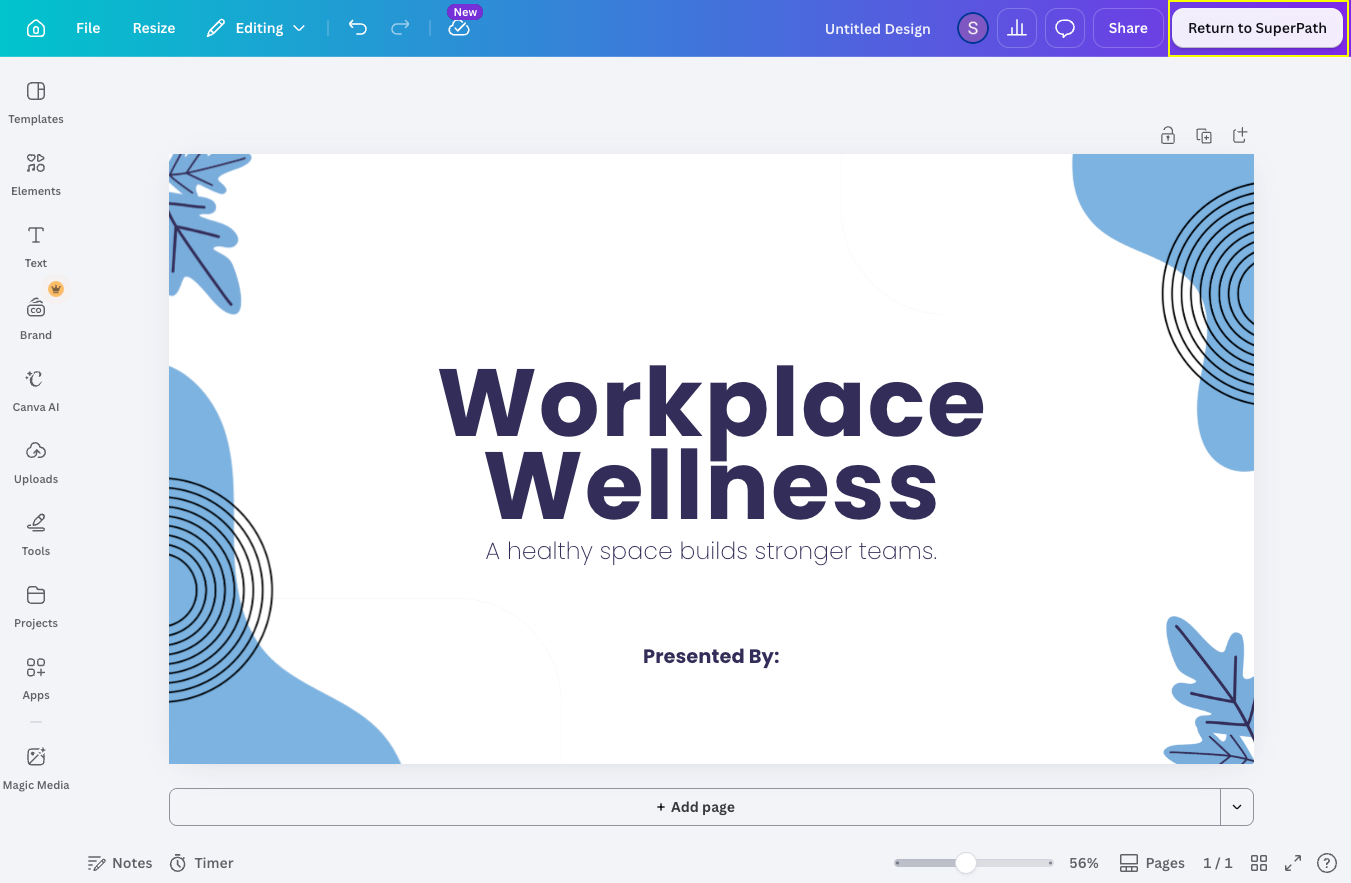
Don't have the right image yet? Create one in Canva on the spot. SuperPath opens Canva already set to the correct dimensions for that asset, so you're designing to the right size from the very first click. When you're happy, hit Return to SuperPath and your design comes straight back in, downloaded and applied for you.
Always the right size, everywhere it counts
The image picker shows you exactly how a design will look in its true dimensions before you commit, so covers, thumbnails and banners all sit properly with no awkward cropping. And this isn't just for courses. Canva is available across your learning assets and configuration, including pathways, knowledge, forms, events, roadmaps and platform settings like banner images.
Why it matters
Consistency gets a lot easier when your design tool and your learning platform talk to each other. Your team can keep everything on-brand, spin up polished visuals in the moment, and spend their time on content rather than file wrangling. For anyone managing a large library, that's a real dent in the admin load.
Connect Canva from your profile settings and give it a go. We'd love to hear what you think.