Multiple Enforced Login Types
Give your users more ways to log in, on your terms.
We've upgraded SuperPath's security settings to give you greater control over how users authenticate into your platform. You can now configure multiple login types simultaneously, no more picking just one.
What's New
When setting up your platform, you can now choose from a combination of login methods to offer your users, so you can mix and match whichever methods suit your users best.
How it works
Enforce authentication types: Head to Settings → Security and turn on the authentication enforcement toggle. From there, select which login types you want to make available to your users.

Custom login page: Your branded login page (configured under Settings → Theme) will automatically reflect the login options you've enabled — so users always see a clean, on-brand experience.
The user experience
When a user is invited to SuperPath, they'll see all the enabled login options on your custom login page. If you've restricted options, they'll only see what's been configured — keeping things simple and secure.
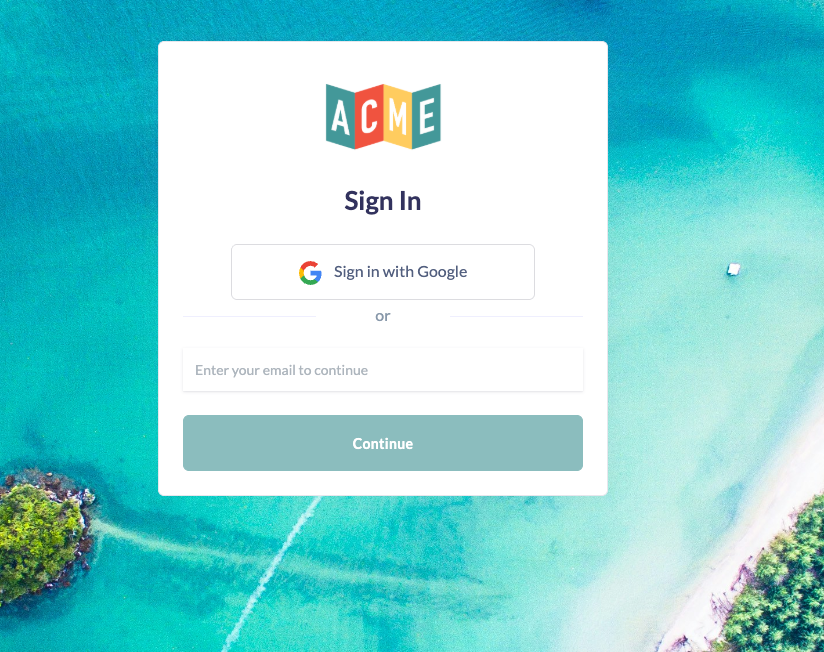
This update gives admins the flexibility to meet users where they are, while maintaining the security controls your organisation needs.
As always, if you have any questions, reach out to our support team. 🙌