Beautiful, Flexible Images Across SuperPath Content & Pathways
We’re excited to roll out a major upgrade to how images work across SuperPath content, pathways, steps, events and knowledge articles.
This release gives you far more control, consistency and visual polish, making it easier than ever to create learning experiences that look incredible — everywhere they appear.
🌟 What’s New
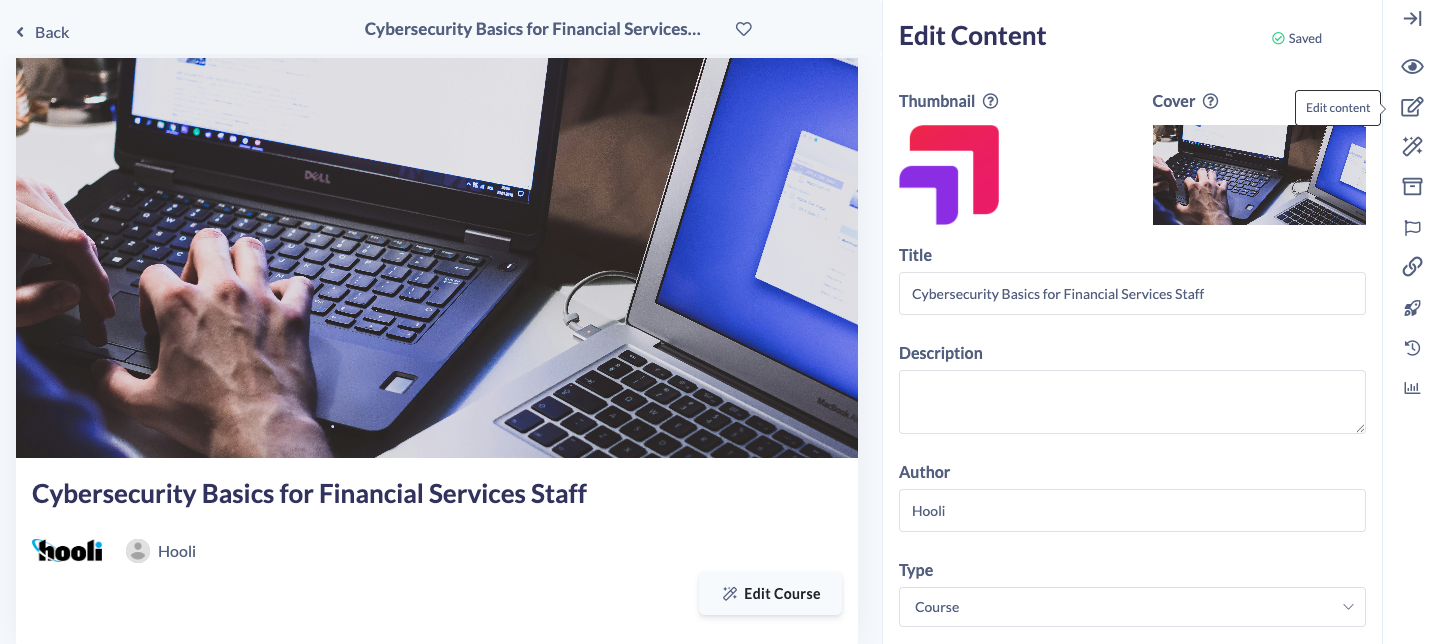
Separate thumbnails and covers
Previously, content items could only have a single image. That meant the same image had to work as:
• A landscape banner in the library
• A square thumbnail in a pathway
• A step image inside a learning flow
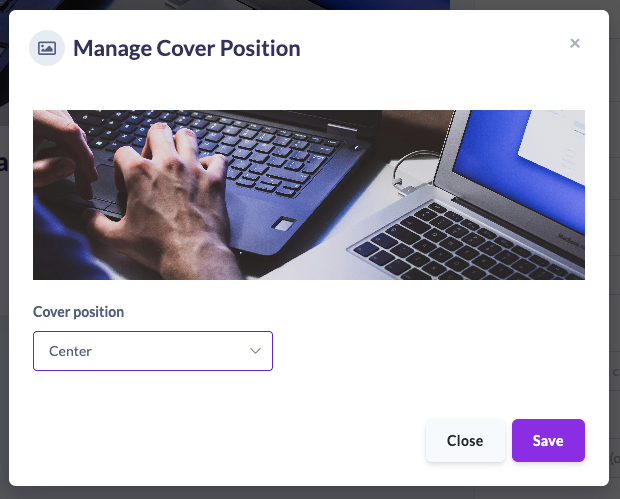
🎯 Control how cover images expand and crop
All cover images now support positioning controls. You can choose where the image anchors from as screens resize:
• Centre
• Top
• Bottom
This ensures important text or visual elements are always visible, no matter the screen size.
📚 Upgraded everywhere in SuperPath
These improvements aren’t limited to just content records. We’ve rolled them out across:
• Content items
• Pathways
• Sections
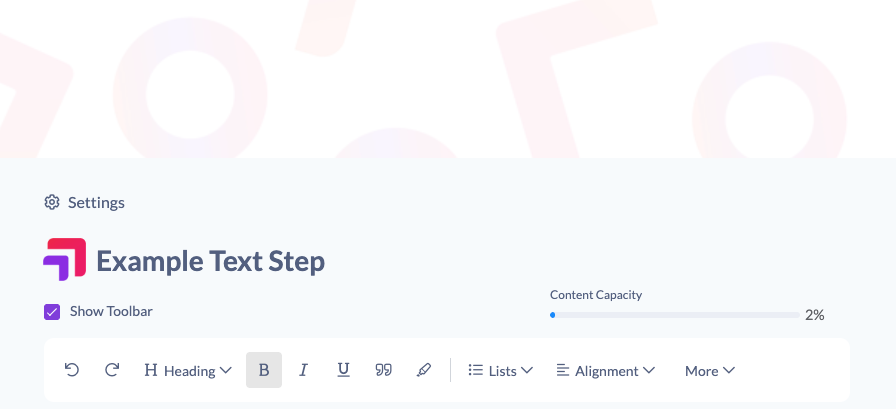
• Steps (including text steps)
• Events
• Knowledge articles
Each now supports:
• A dedicated thumbnail
• A flexible cover image
• Position control for covers
💡 Why this matters
• Your content looks professional and consistent
• Thumbnails stay clean and recognisable
• Covers scale beautifully on all screen sizes
• Learners get a more engaging, polished experience
In short: your learning now looks as good as it is valuable.